Thumbnail & Title Previewer
Preview how your YouTube packaging looks at every size — homepage, search, sidebar, mobile, and end screen. Nothing is uploaded. Everything stays in your browser.
Drop a thumbnail here or click to browse
Recommended: 1280×720 (16:9)
Homepage Feed
How your video appears in the main YouTube browse feed. Thumbnails render at ~360×202px with the title below.
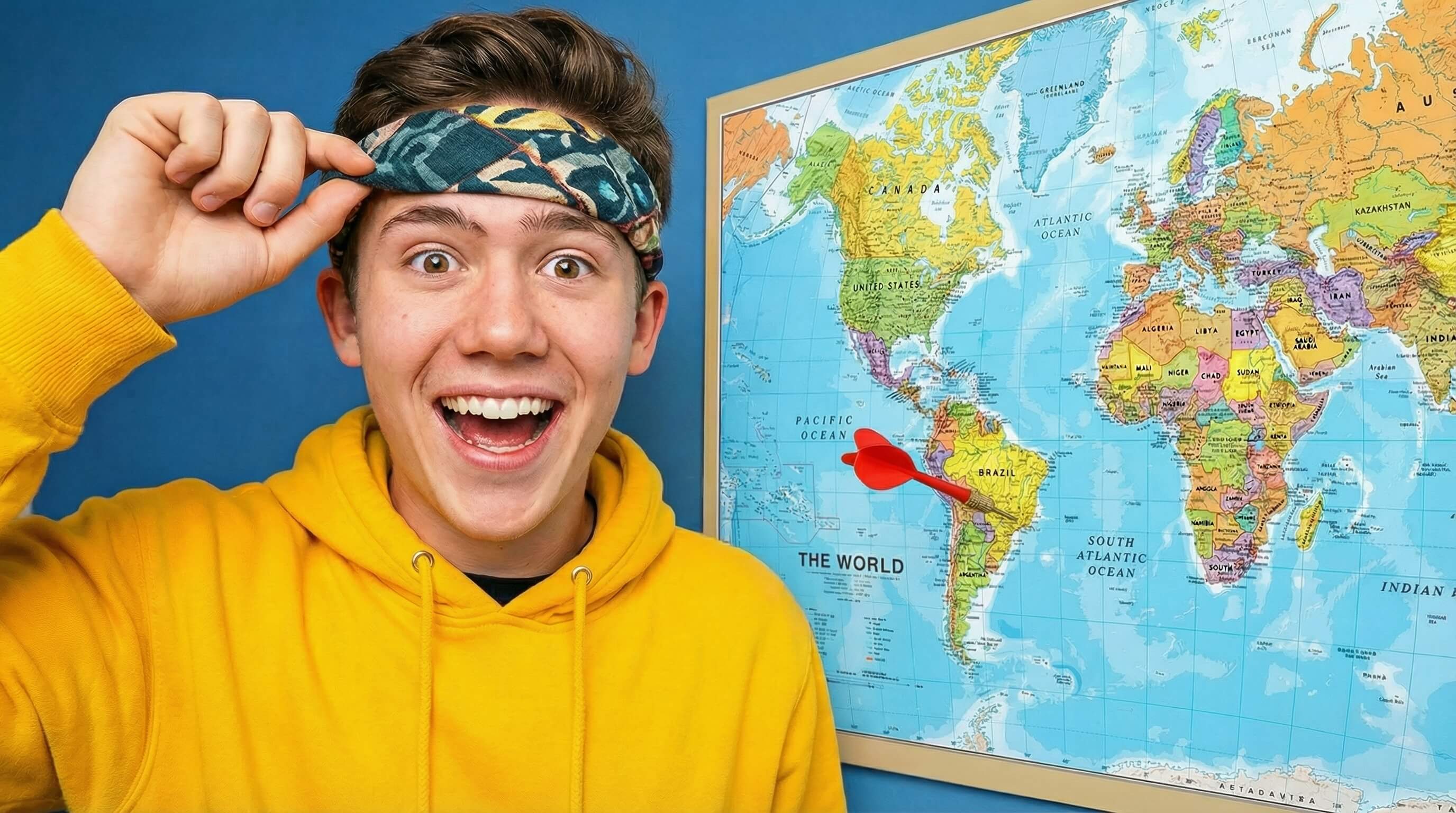 12:34
12:34I Threw a Dart and Flew Where It Landed
Your Channel
1.2M views · 2 hours ago
Search Results
Horizontal layout used in YouTube search. Thumbnail on the left (~360×202px), title and metadata on the right.
12:34I Threw a Dart and Flew Where It Landed
1.2M views · 2 hours ago
This is where the video description preview would appear in search results...
Sidebar / Suggested
Small cards shown in the "Up Next" sidebar while watching a video. Thumbnail at ~168×94px.
Mobile Feed
Full-width card as it appears in the YouTube mobile app feed. Thumbnail fills the screen width.
12:34I Threw a Dart and Flew Where It Landed
Your Channel · 1.2M views · 2 hours ago
End Screen & Tiny Preview
How your thumbnail reads at the smallest sizes — end screen cards (~140×79px) and notification thumbnails. If it's readable here, it works everywhere.
End Screen Card
12:34I Threw a Dart and Flew Where It Landed
Notification
12:34I Threw a Dart and Flew Where It Landed
Favicon / Embed
80×45px
The Dispatch
Get occasional notes and creator breakdowns.
No spam. Unsubscribe anytime.
Why You Need to Preview Your YouTube Thumbnails
A thumbnail design can look incredible when you're editing it in Photoshop at 200% zoom, but the vast majority of your audience will never see it that way. Over 70% of YouTube viewership happens on mobile devices, where your thumbnail might be smaller than a postage stamp.
The Desktop vs. Mobile Disconnect
We built this client-side thumbnail previewer because of a common mistake creators make: designing for desktop while uploading for mobile. When text is too small, contrast is too low, or the subject's face is obscured by a timestamp, your click-through rate (CTR) plummets. Testing your thumbnail and title combination across every major YouTube aspect ratio ensures that your video's visual logic holds up before you publish.
Always verify that the bottom right corner of your thumbnail doesn't contain critical information—YouTube will overlay the video duration timestamp exactly there.
Want Thumbnails That Stop the Scroll?
I design high-converting thumbnail packaging for established channels.
See My Creator Services