Thumbnail & Title Previewer
Preview how your YouTube packaging looks at every size — homepage, search, sidebar, mobile, and end screen. Nothing is uploaded. Everything stays in your browser.
Drop a thumbnail here or click to browse
Recommended: 1280×720 (16:9)
Homepage Feed
How your video appears in the main YouTube browse feed. Thumbnails render at ~360×202px with the title below.
I Spent 30 Days Living in the Woods
Your Channel
1.2M views · 2 hours ago
Search Results
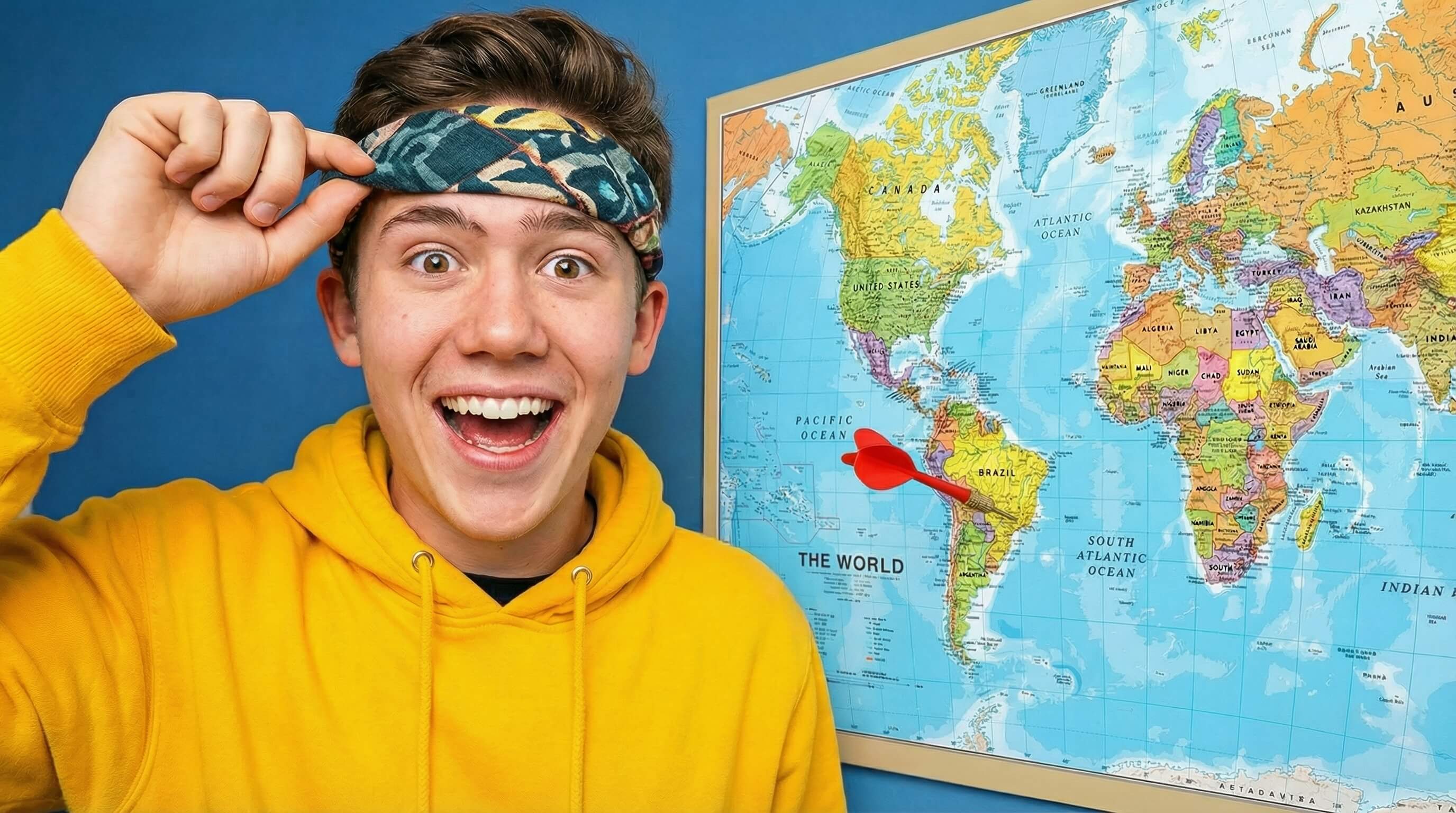
Horizontal layout used in YouTube search. Thumbnail on the left (~360×202px), title and metadata on the right.
 12:34
12:34
I Spent 30 Days Living in the Woods
1.2M views · 2 hours ago
This is where the video description preview would appear in search results...
Sidebar / Suggested
Small cards shown in the "Up Next" sidebar while watching a video. Thumbnail at ~168×94px.
Mobile Feed
Full-width card as it appears in the YouTube mobile app feed. Thumbnail fills the screen width.
12:34
I Spent 30 Days Living in the Woods
Your Channel · 1.2M views · 2 hours ago
End Screen & Tiny Preview
How your thumbnail reads at the smallest sizes — end screen cards (~140×79px) and notification thumbnails. If it's readable here, it works everywhere.
End Screen Card
I Spent 30 Days Living in the Woods
Notification
I Spent 30 Days Living in the Woods
Favicon / Embed
80×45px
This tool runs entirely in your browser. No images are uploaded or stored anywhere.
Need help with your YouTube packaging? Check out my creator services.